Why CTOX
One controlled backend for many real web apps.
CTOX is for teams, companies, families, and individual operators who need their own web apps without turning every use case into a separate SaaS product.
Put one computer online, install CTOX, install apps into it, and let known users open those apps in a browser. The computer can be a cloud VM, a network server, an office machine, or another host you control.
The gap
Many useful apps are too shared for a desktop tool and too private for a SaaS product.
A desktop app is simple until more than one person needs the same state. A SaaS stack is powerful, but it makes every app carry hosting, auth, database, storage, operations, and integration work. CTOX targets the space between those two ends.
How it works
The app builder works on the app. CTOX already owns the repeated backend work.
AI-generated apps
AI makes one app per use case practical.
A small team can create apps for customer intake, quotes, file review, reporting, approvals, field work, agent supervision, or a company-specific process. Each app can stay focused on its users instead of becoming a general platform.
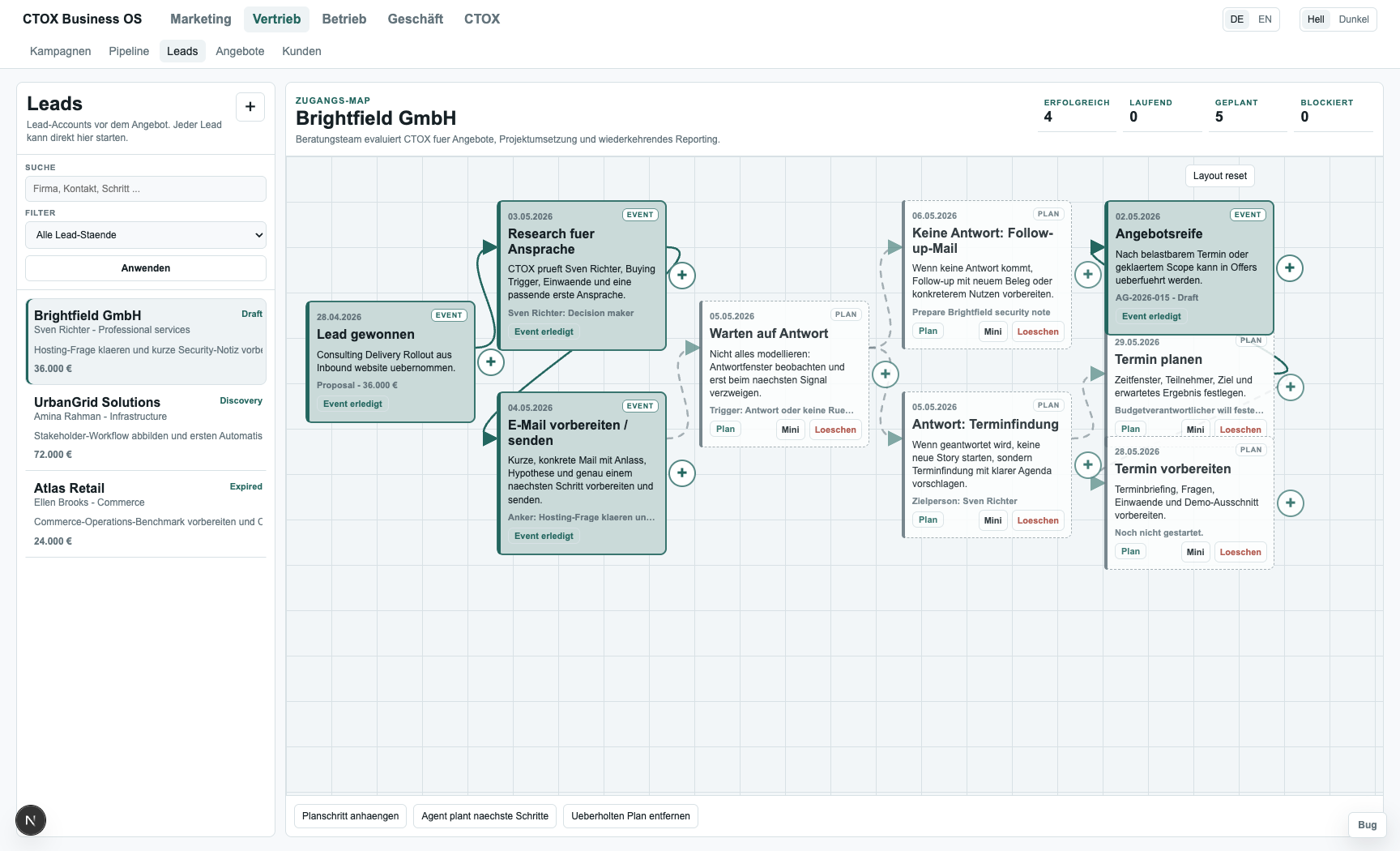
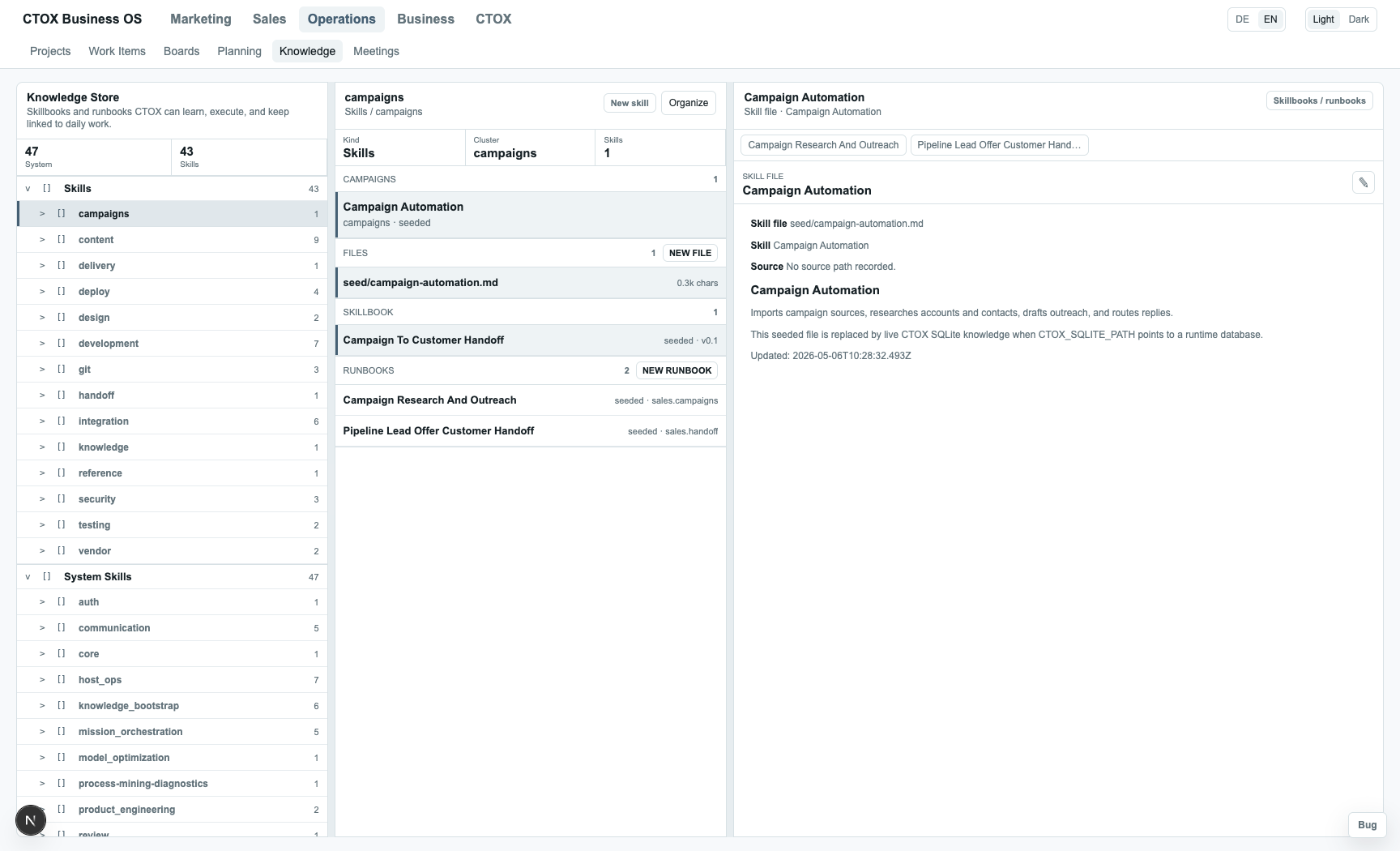
- No separate hosted prototype for every idea. An AI-generated CTOX app is installed into the CTOX backend that already exists.
- No per-app user system. Apps use the users and permissions that CTOX already manages.
- No manual interface work between sibling apps. Apps can share records, files, commands, and status through CTOX.
- Usability gets the attention. The app builder can spend time on screens, flow, records, and actions instead of repeating setup work.
The critical engine
This direction depends on ctox-rxdb being robust, quiet, and fast.
ctox-rxdb connects browser apps to the CTOX backend.
Browser data lives in IndexedDB. Native state lives in SQLite.
The sync path runs over WebRTC.
Business app records, commands, file metadata, query results,
checkpoints, and file chunks must not fall back to an HTTP data
proxy. HTTP can serve shell files and bootstrap information; app
data belongs on the ctox-rxdb path.
That means idle CPU must stay low, reconnects must be boring, large files must load only when needed, the backend must remain the source of truth for permissions, and the JavaScript and Rust behavior must not drift. A single Rust core with a WebAssembly browser build is the natural long-term direction, with thin browser adapters for IndexedDB and browser APIs.
Compared with common web paths
Vercel, Neon, AWS, and Azure solve a different problem.
Those platforms are good choices when you are building a public web product or a cloud system you intend to operate. CTOX is for a different starting point: you have known users, you can run one host, and you want many real web apps without a new paid cloud setup for every internal use case.
| Question | SaaS stack | Cloud platform | CTOX |
|---|---|---|---|
| Who is the app for? | Public customers or a market. | Users of a cloud system you design. | Your own known users. |
| What do you set up first? | Hosting, database, auth, deploys, and project accounts. | Compute, network, identity, storage, database, monitoring, and security. | One CTOX host. |
| What does a new app require? | Another app deployment and another integration surface. | More cloud design and operational choices. | Install the app into CTOX. |
| How do apps work together? | APIs, events, webhooks, and shared services. | Designed cloud integrations. | The same CTOX users, files, commands, permissions, and database. |
Boundaries
CTOX is not a remote desktop and not a replacement for every cloud platform.
Users open web apps. CTOX can use WebRTC and managed access paths so users do not need a per-app VPN. The backend can still run wherever it makes sense: cloud VM, network server, office computer, or another controlled host.
If you are selling a public SaaS product to thousands of customers, a SaaS hosting stack can be the right tool. If you are building apps for your own team, company, family, or private workflow, CTOX gives you a more direct path: one running system, many browser apps, shared state, and less repeated setup work.
References
Sources used for the comparison
CTOX architecture: docs/ctox-rxdb.md. External platform references: Next.js on Vercel, Vercel Deployments, Neon architecture, Neon branching, AWS containerized web app guidance, and AWS SPA on S3 and CloudFront.