CTOX has its own domain
CTOX serves the shell and injects session plus pairing config. The data plane still stays RxDB/WebRTC.

CTOX is an agent runtime and app platform in one self-hosted binary. The daemon keeps durable state in SQLite, executes long-running agent work, and serves the Business OS: web app modules your team uses in the browser, replicated peer-to-peer over WebRTC. Agents build and modify the apps at runtime — every change versioned and reversible.
What CTOX is
An internal tool normally drags a stack behind it: hosted database, auth service, deployment, monitoring — per app. CTOX collapses that into one daemon on a machine you control. Apps are HTML/JS modules served to the browser, data lives in SQLite and replicates to browser IndexedDB over WebRTC, and agents change schema and code at runtime instead of through a redeploy.
What actually runs
runtime/ctox.sqlite3 stores queues, tickets, governance, channels, schedules, plans, knowledge, continuity, verification, and claims.
The service starts channel routing, channel syncing, mission watching, CTO operating checks, and the backend supervisor.
ctox queue, ticket, plan, schedule, channel, governance, verification, process-mining, and state-invariants inspect and control that state.
Findings, decisions, known issues, and useful context are persisted so the next run starts from recorded state instead of chat memory.
Fluid workspace shell
Desktop app betaThe Business OS is the browser shell the daemon serves. Your team signs in and works with modules: records, pipelines, files, tasks. Any module can be changed in place — right-click a grid or a view, describe the change, and an agent patches the module's schema or code.
The animation below is the actual flow: a context-menu request becomes an agent job in the daemon. The agent edits the module's HTML/JS in place, hashes the bundle, stores the new version, and the interface updates live — with rollback one click away:
Was soll angepasst werden?
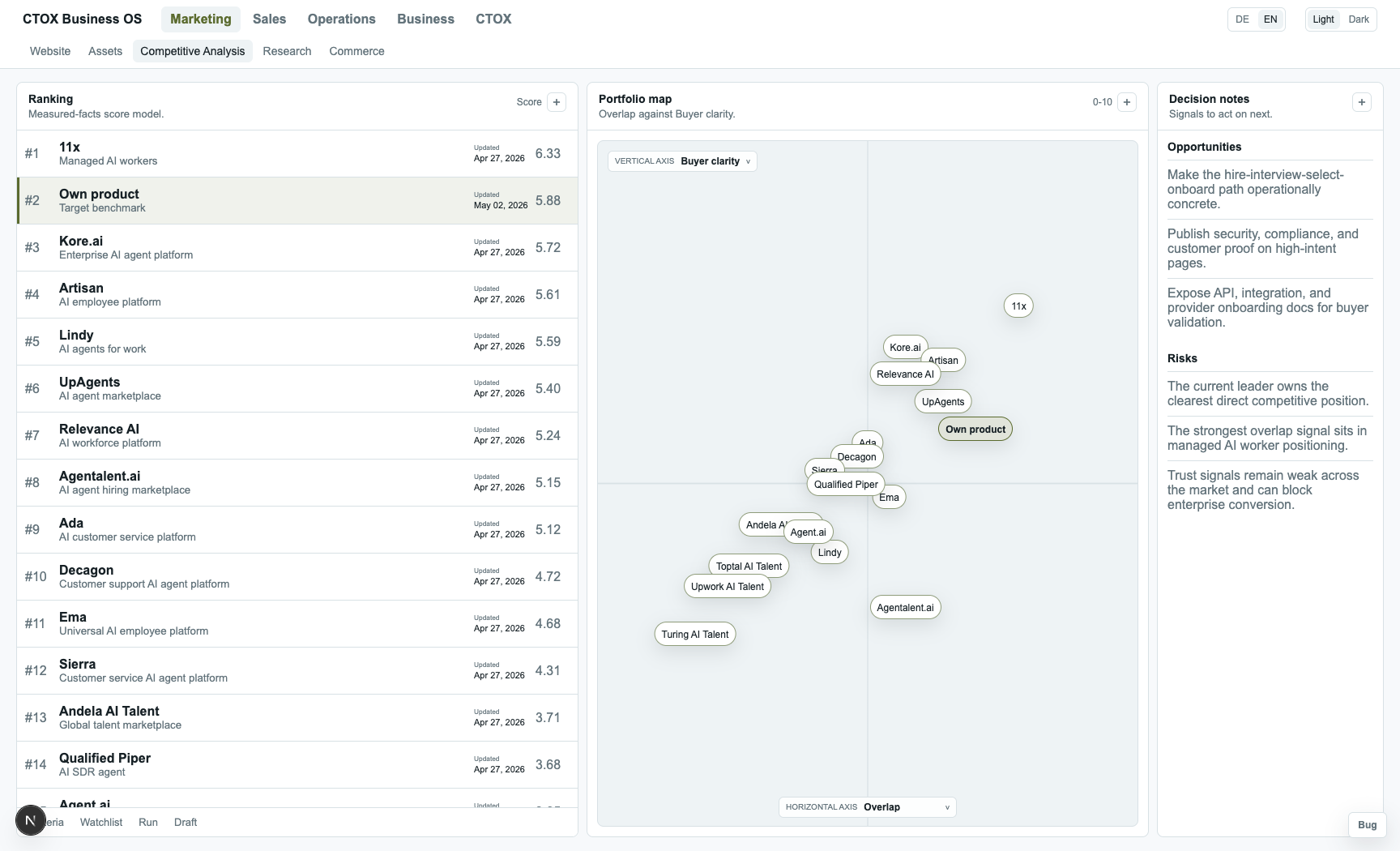
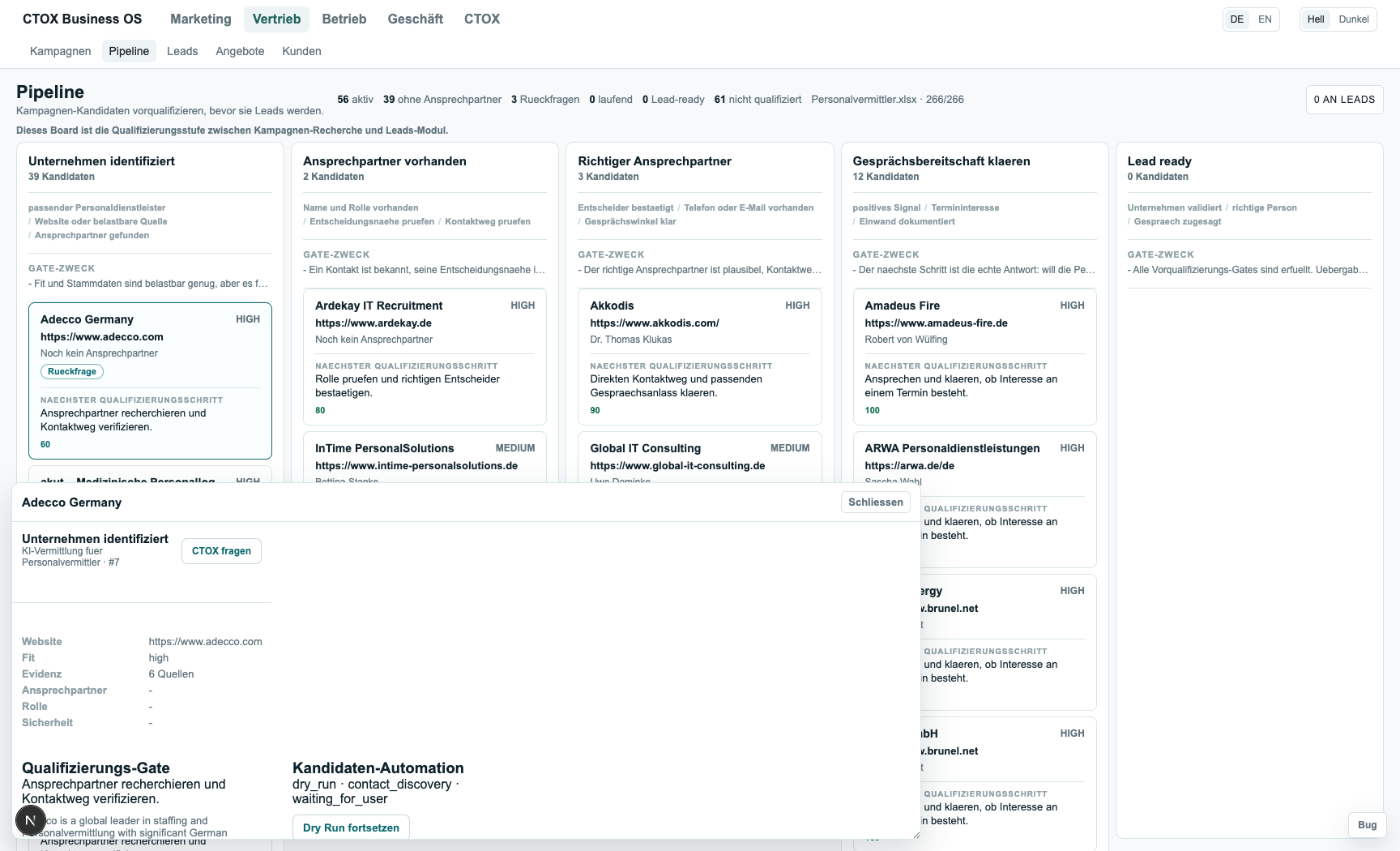
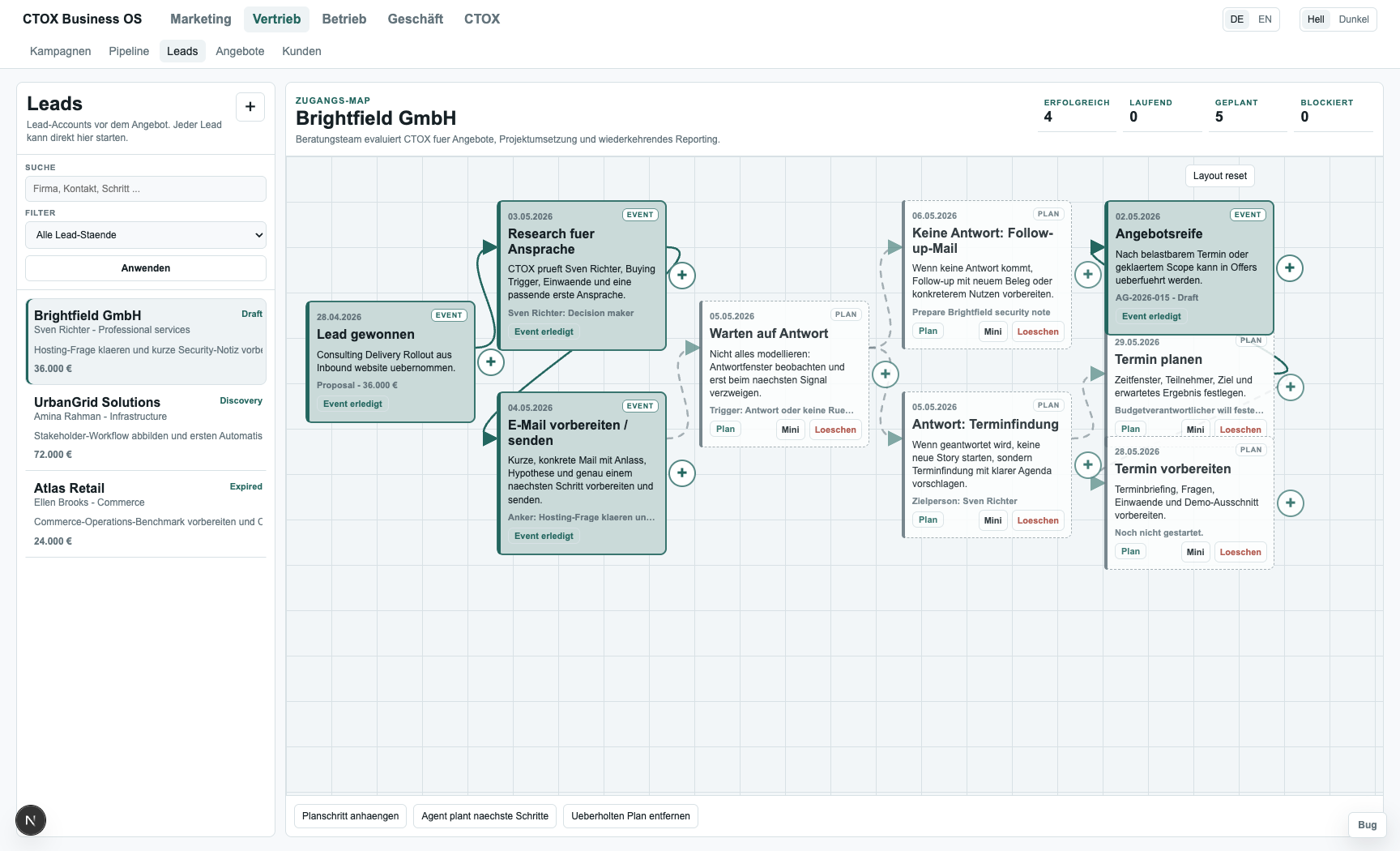
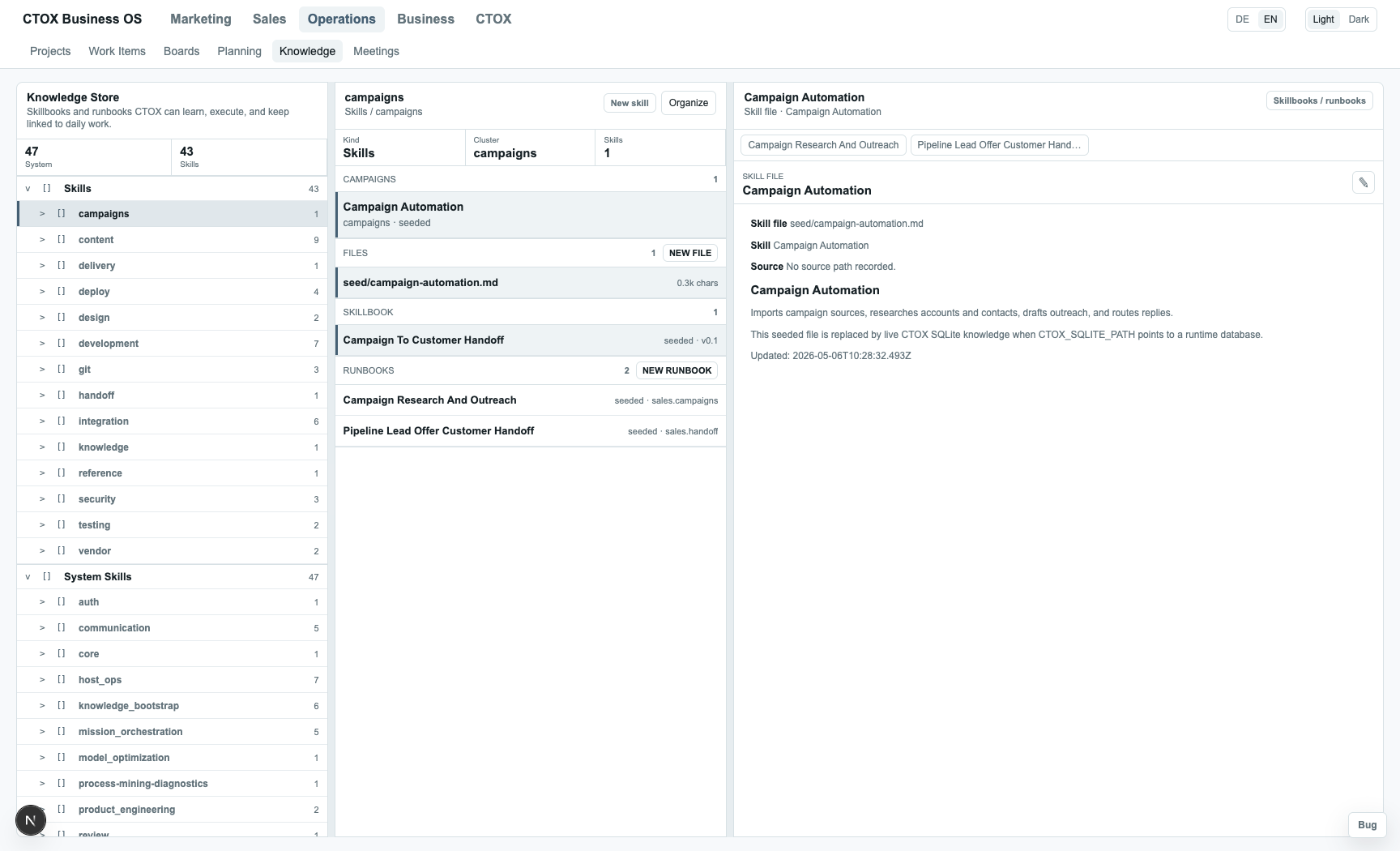
Business OS connectivity
CTOX can be public, routed through ctox.dev, or private behind NAT. The browser only needs the static Business OS shell and a pairing config. Data moves through CTOX Sync Engine WebRTC replication between browser IndexedDB and the Rust daemon's SQLite store.
ctox-rxdb-js.mjs, CTOX Sync Engine, IndexedDB, module shell.
rxdb-rs, RxStorageSqlite, runtime/ctox.sqlite3.
CTOX serves the shell and injects session plus pairing config. The data plane still stays RxDB/WebRTC.
ctox.dev routes or serves the shell. Pairing data opens the WebRTC room, not an HTTP data bridge.
The desktop app or ctox.dev can deliver the shell while CTOX connects outbound to signaling.
Core Guarantees
Module code and schema changes are daemon operations, not deployment cycles. On request, an agent edits the raw HTML/JS/CSS modules and restructures local SQLite tables in place — and every one of those edits goes through the versioning path below.
The browser is a client, not the source of truth. Every transaction, queue task, and command execution is validated in the Rust daemon against 12 formal transition gates and 5 core state invariants.
Every database mutation is recorded through SQLite triggers into an audit trail. That trail supports Petri-net and DFG process discovery, deadlock checks, conformance audits, and safety-violation scans.
Every module patch is versioned, hashed, and sealed inside the daemon. A single click from the App Store drawer rolls a module's files and directory state back to its precise baseline.
Install
Use the terminal path when you are already on the target host. Open the TUI to configure runtime, communication, tickets, and remote access. Use the Desktop Beta when you want a guided setup for this machine or remote servers, and when you want to manage more than one CTOX instance from one place.
Use this when you are already on the server or SSH session that should run CTOX.
curl -fsSL https://raw.githubusercontent.com/metric-space-ai/ctox/main/install.sh | bash
ctox
ctox start
ctox status
ctox to configure model/runtime, communication, tickets, and remote access.The CTOX Business-OS Desktop app is currently beta. It can prepare CTOX on this computer or on SSH hosts, connect to remote WebRTC hosts, and keep multiple local or remote instances in one registry, but it should be treated as a test build until the production gates are closed.
Install the CTOX Business OS deploy skill when you want a coding agent to install CTOX, connect Business OS MCP, or interact with a CTOX instance through supported typed tools.
https://github.com/metric-space-ai/ctox-business-os-deploy-skill/tree/main/ctox
ctox doctor, ctox status, and Business OS readiness.mcp.ctox.dev, or self-hosted Business OS MCP endpoints with the right bearer-token flow.Checking latest release assets... View releases
Open latest releaseCTOX Business-OS Desktop is currently shipped as Beta. Use it to test managed ctox.dev instances, SSH installs, local instances, and manual pairing; do not present it as production-ready.