When coding-agent sessions are no longer enough.
Coding agents are useful workers for scoped sessions. Real technical work keeps changing: tickets arrive, systems fail, approvals wait, decisions need evidence, and follow-ups matter later. CTOX is the agentic daemon around that work. It keeps state, drives the next action, and uses agents and tools as workers.
Why it exists
Technical work is not a chain of clean chat sessions.
CTOX is for people who already use coding agents and trust them for individual tasks, but need stricter control around the work: durable state, tickets, communication, knowledge, verification, waiting states, and controlled continuation. CTOX is an agentic daemon, not an agentic worker.
What actually runs
CTOX turns ongoing technical work into tracked runtime state.
runtime/ctox.sqlite3 stores queues, tickets, governance, channels, schedules, plans, knowledge, continuity, verification, and claims.
The service starts channel routing, channel syncing, mission watching, CTO operating checks, and the backend supervisor.
ctox queue, ticket, plan, schedule, channel, governance, verification, process-mining, and state-invariants inspect and control that state.
Findings, decisions, known issues, and useful context are persisted so the next run does not rely on chat memory.
Proof surface
CTOX does the work inside software it can also change.
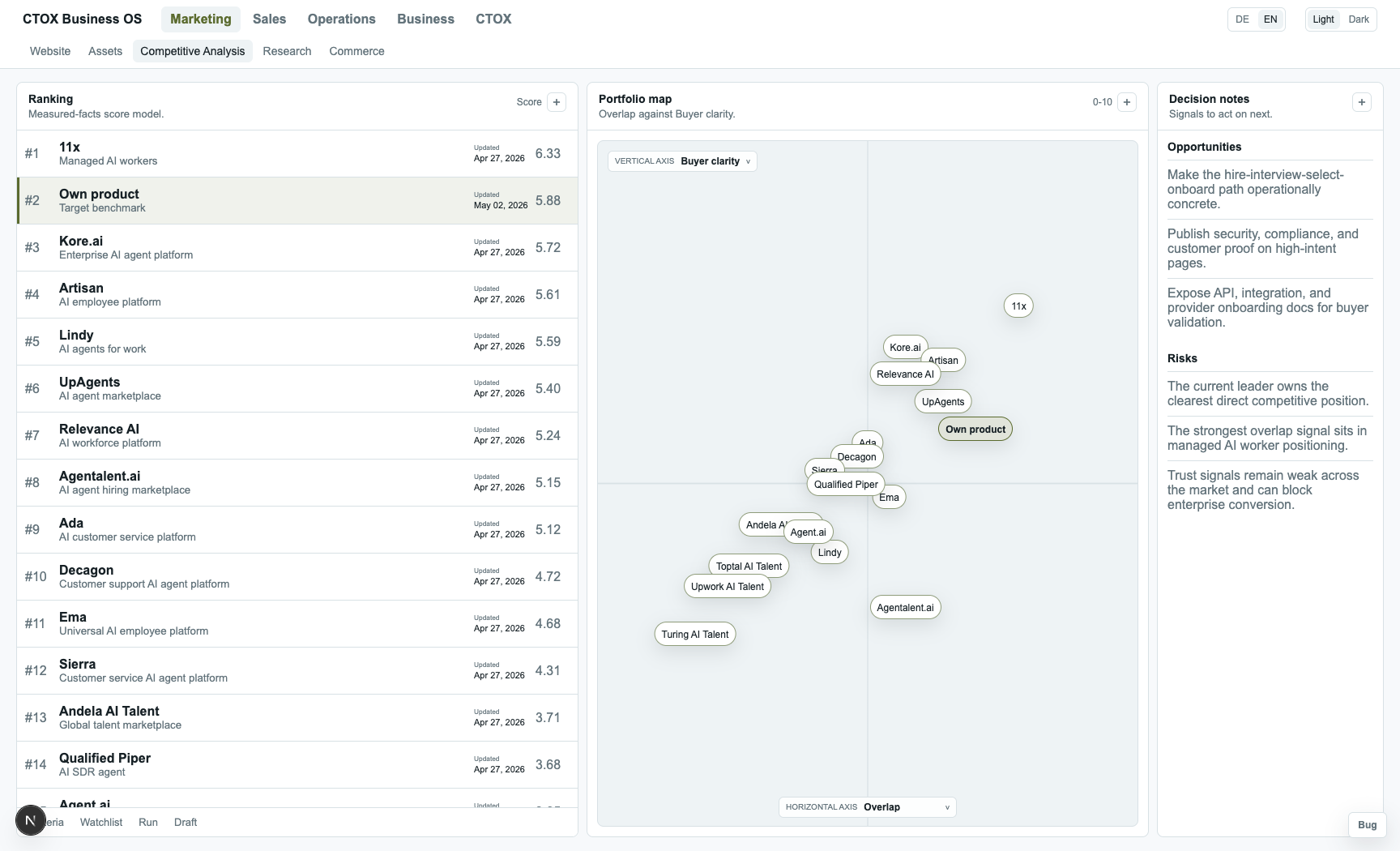
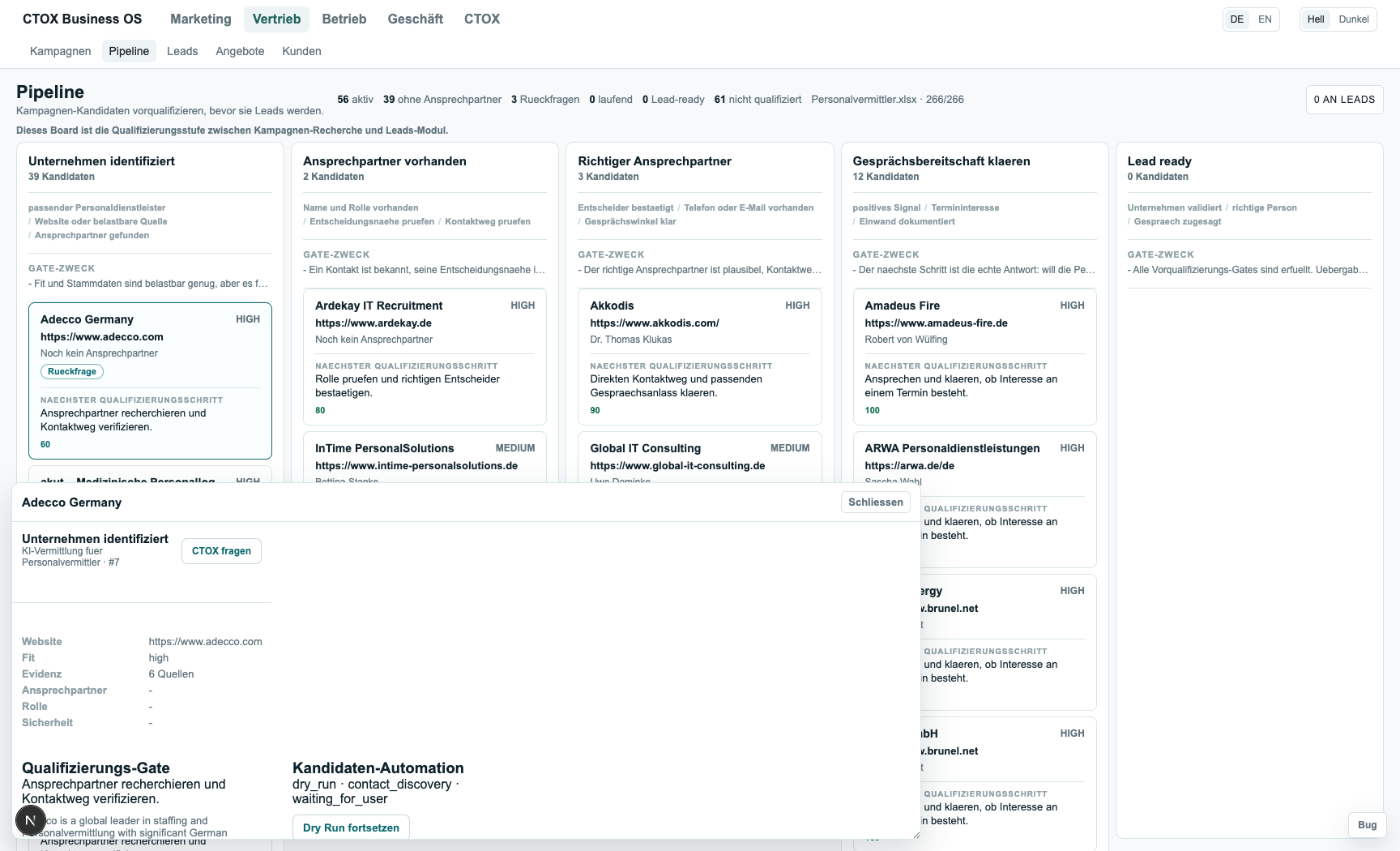
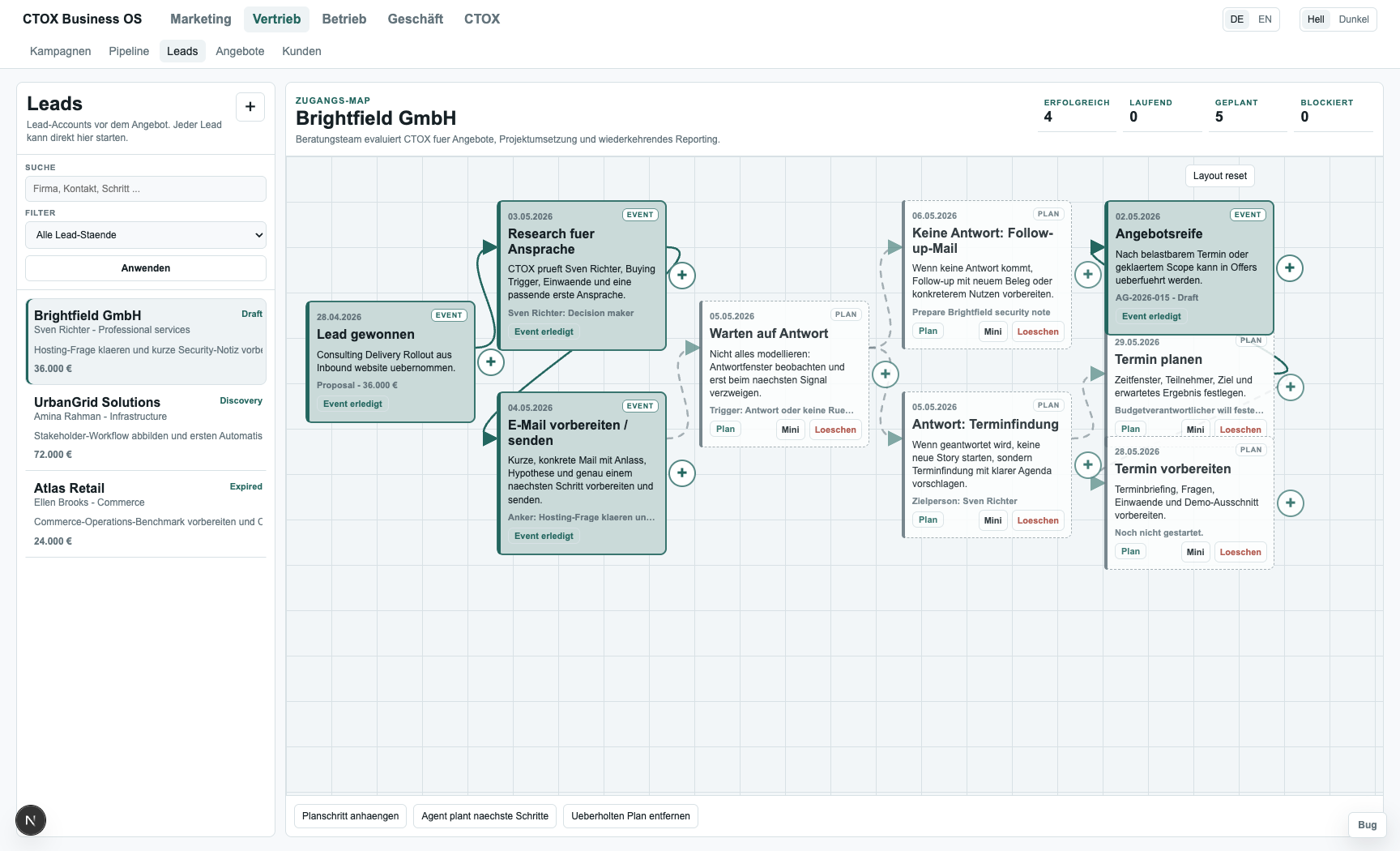
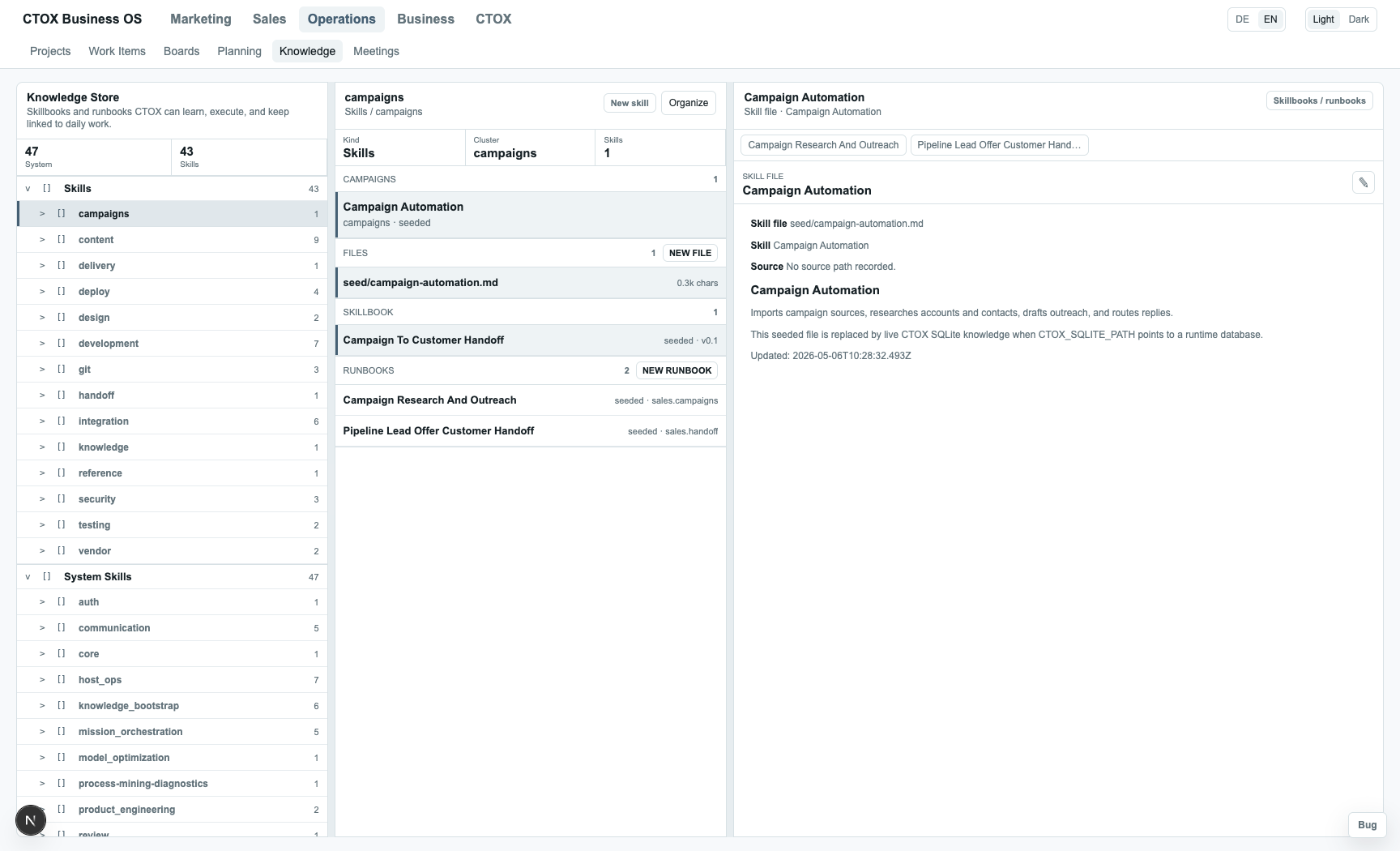
The Business OS template is a vanilla Next.js and Postgres workspace that a CTOX installation can deploy, operate, and adapt. It is not just a dashboard for talking about work. Records, communication, bugs, tickets, documents, prompts, and automations become concrete work surfaces that CTOX can inspect and modify.
CTOX can build the operating system around a company, connect the communication channels and data stores, then turn repeatable work into supervised automation. The Business OS is the place where those automations become visible, editable, and accountable: from research and qualification to documents, follow-ups, tickets, runbooks, and customer operations.
Control
Control is better than trust.
CTOX records SQLite mutation events and exposes cases, projections, DFG and Petri discovery, replay, conformance runs, deadlock checks, proofs, state scans, and violation scans.
The harness uses a typed core state machine for service, mission, queue items, tickets, reviews, communication, commitments, schedules, knowledge, and repair. Transitions are checked against allowed states, required evidence, and a formal transition graph with liveness checks.
Accepted and rejected transitions are persisted with violation codes and reports. Invalid transitions can be blocked before tickets, commitments, or review gates are closed incorrectly.
CTOX does not treat the last agent message as ground truth. Sensitive state changes need durable evidence, and unresolved work remains visible as follow-up.
Install
Install CTOX on the host that should carry the work.
Use the terminal path when you are already on the target host. Open the TUI to configure runtime, communication, tickets, and remote access. Use the desktop app when you want a guided setup for this machine or remote servers, and when you want to manage more than one CTOX instance from one place.
Terminal install
Use this when you are already on the server or SSH session that should run CTOX.
curl -fsSL https://raw.githubusercontent.com/metric-space-ai/ctox/main/install.sh | bash
ctox
ctox start
ctox status
- Run the installer on the host that should own the work.
- Open
ctoxto configure model/runtime, communication, tickets, and remote access. - Start the daemon and check status before handing it real work.
Desktop install and instance manager
The desktop app can prepare CTOX on this computer or on SSH hosts, connect to remote WebRTC hosts, and keep multiple local or remote instances in one registry.
Checking latest release assets... View releases
Open latest release